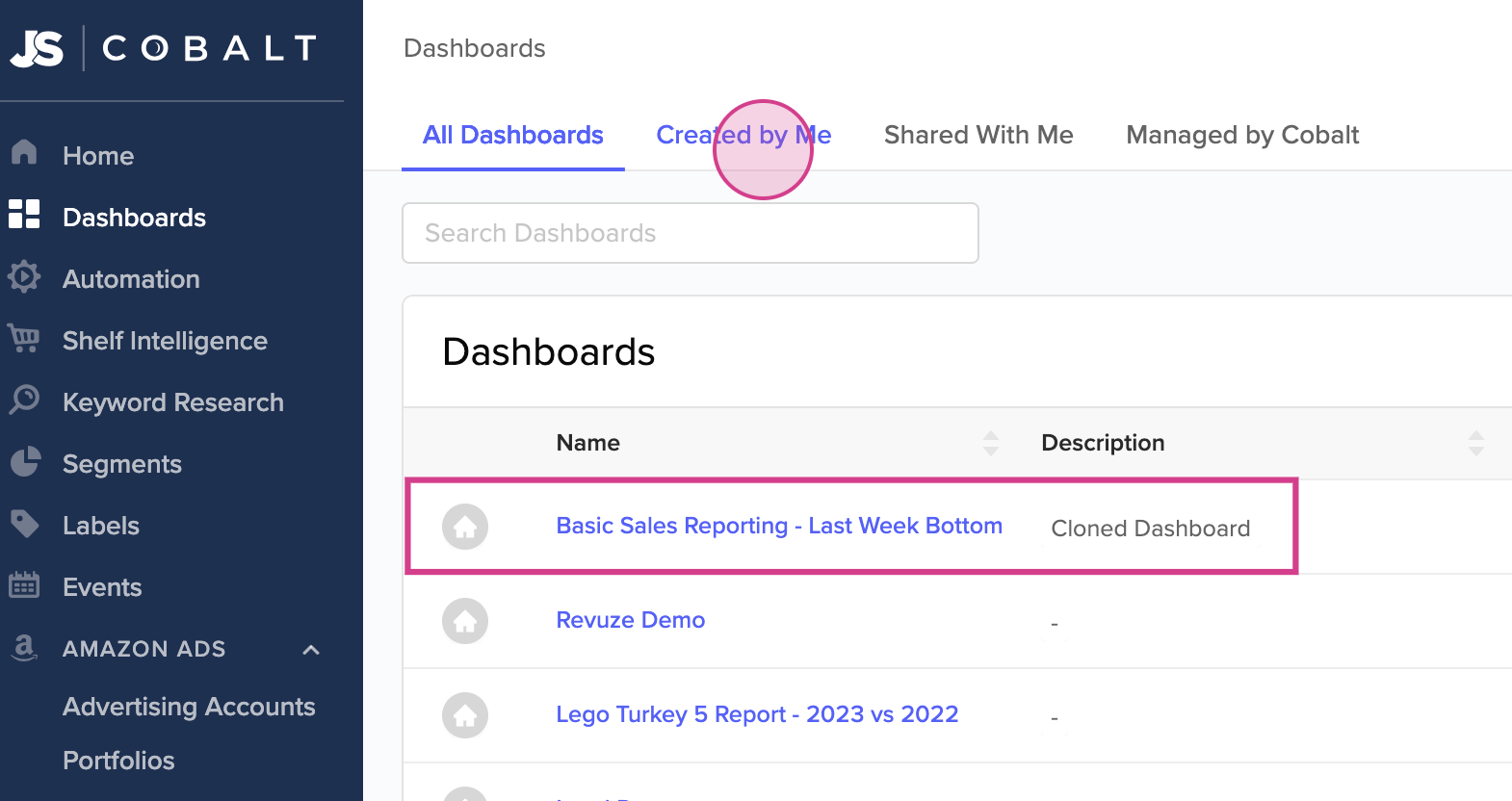
This guide demonstrates the process of cloning a dashboard, a handy feature when needing to create a variant of an existing dashboard for modifications.
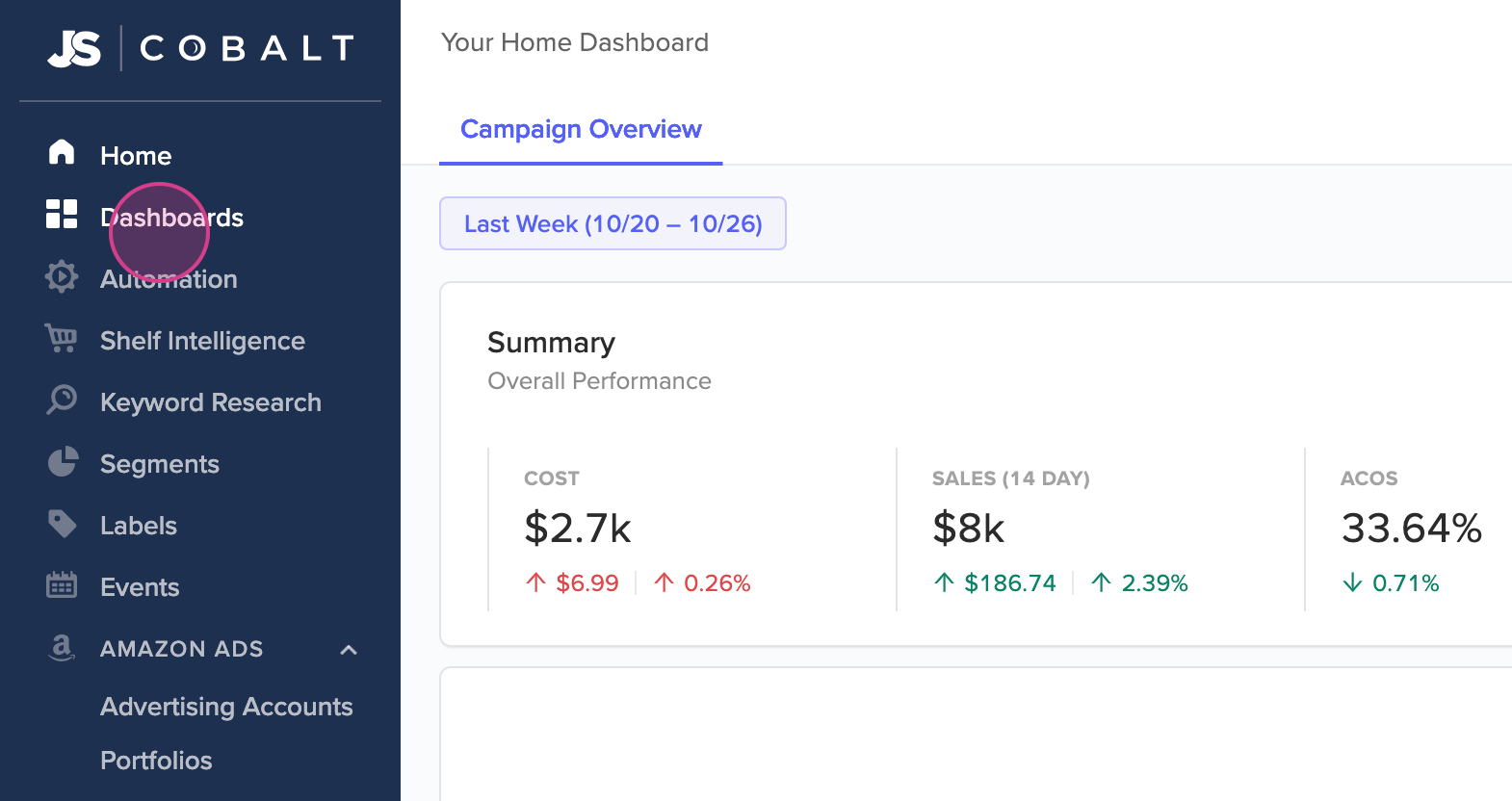
Start by selecting Dashboards in the left-hand navigation panel.
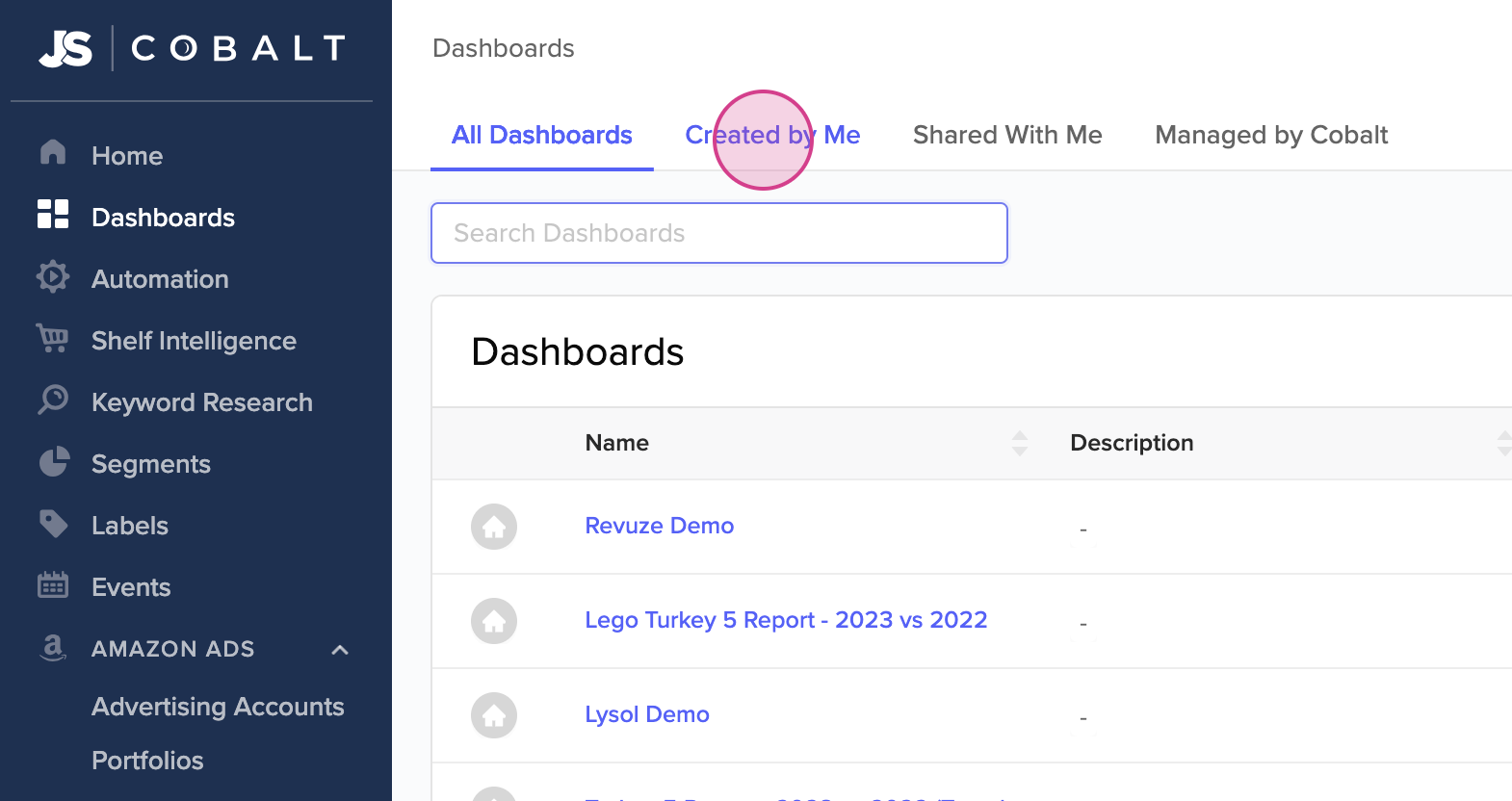
Navigate to the dashboard you'd like to clone. The Search bar and the Created by Me tab are especially useful if your organization has many dashboards.
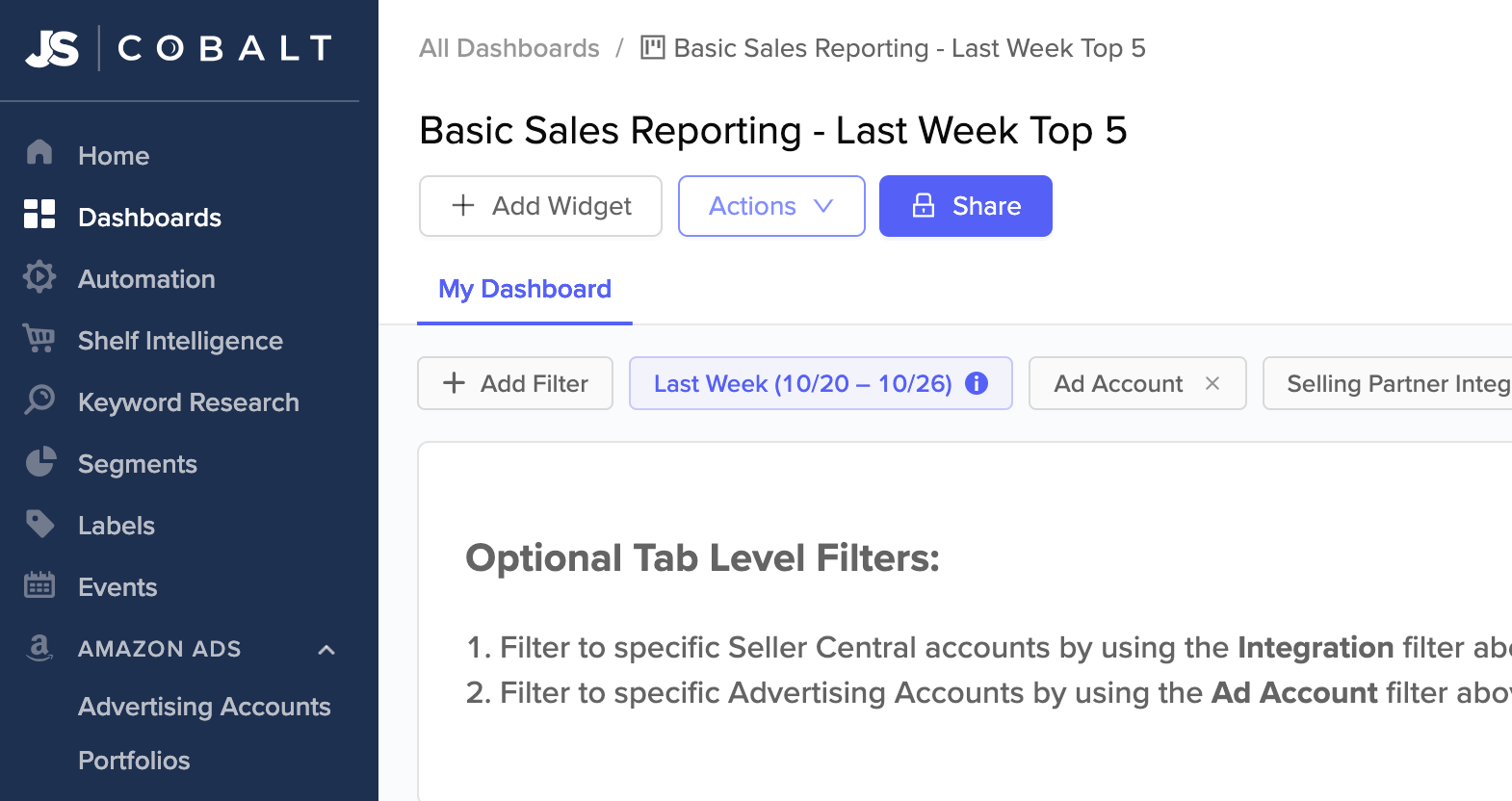
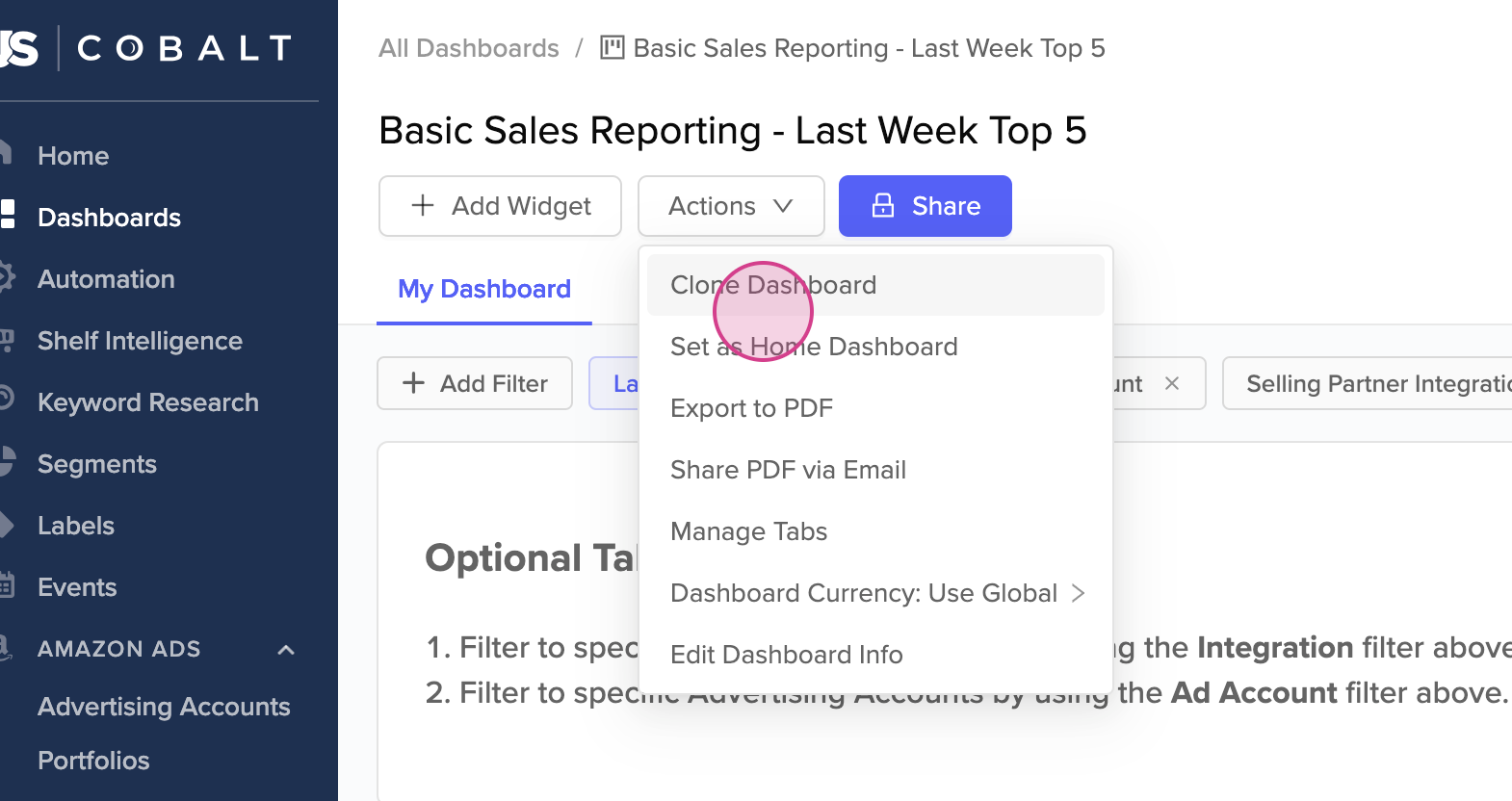
Once inside the dashboard, choose the Actions dropdown, followed by Clone Dashboard.
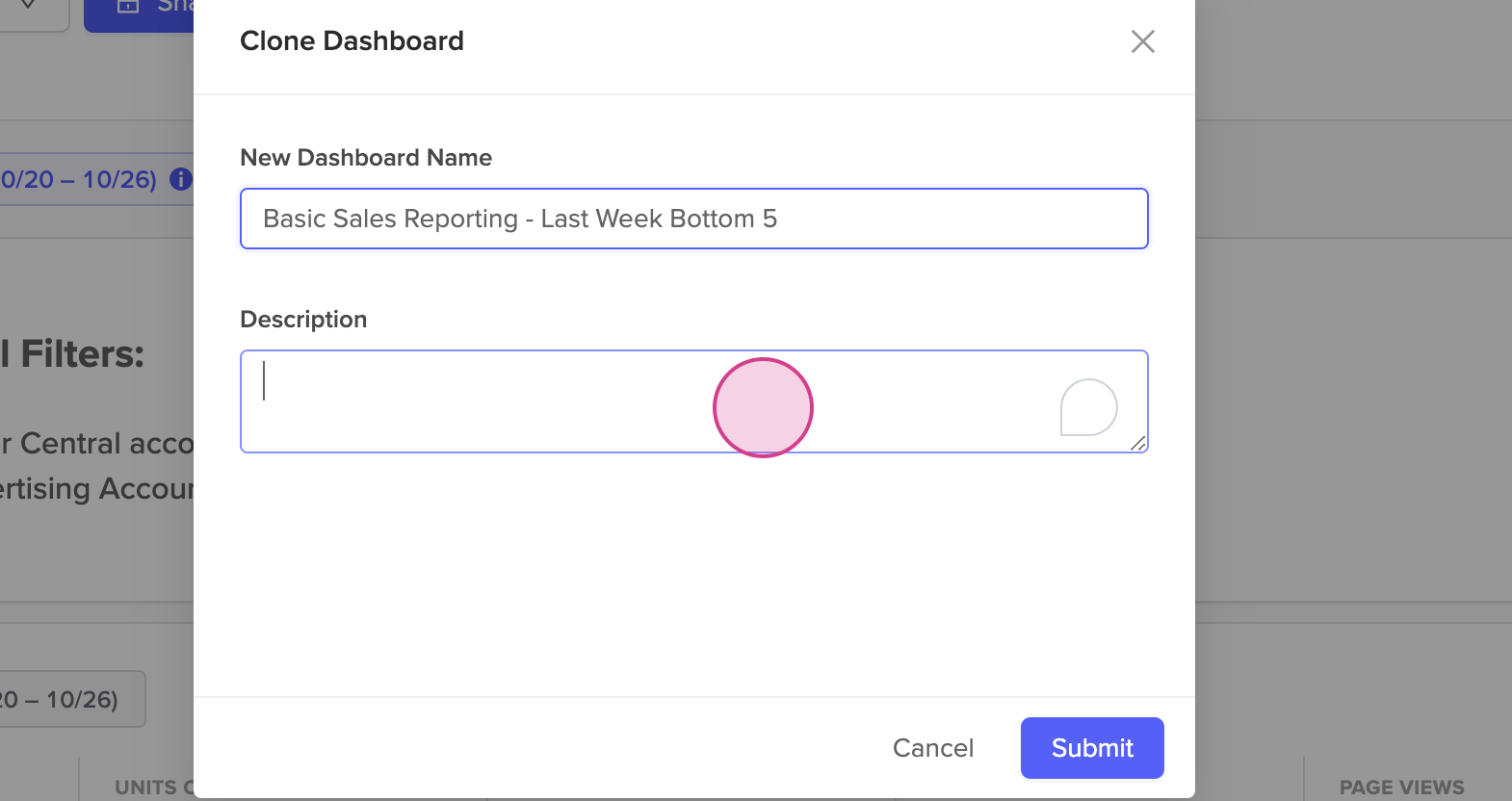
Rename your dashboard and provide an optional description, then hit Submit.
You're now directed to your newly created dashboard. Here, you're free to make any desired edits. For example, you can edit specific widgets, the layout, tab level filters, and more.
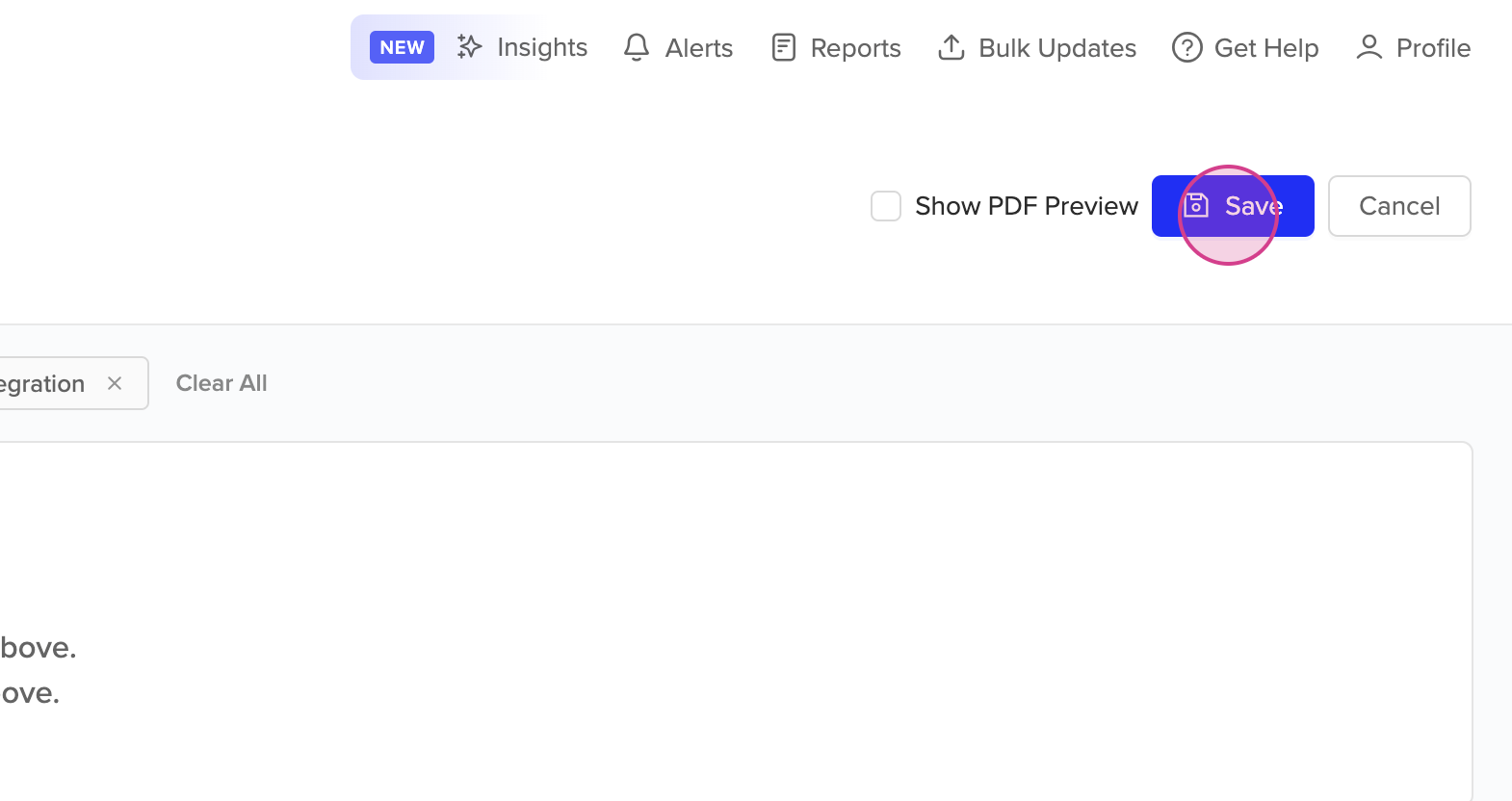
Remember to click Save at the top of the dashboard to retain any changes made.
Finally, your new dashboard will appear in your list of dashboards.